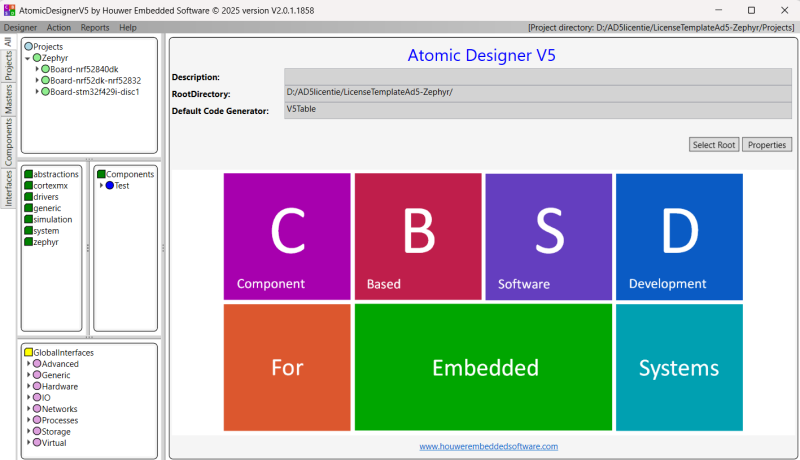
Atomic Designer V5 for Zephyr targets
Contents
Get started with Atomic Designer V5 for Zephyr targets
Download the commercial package and receive a PDF with two links:
- Installer link to set up Atomic Designer V5
- Project tree link with sample examples to explore
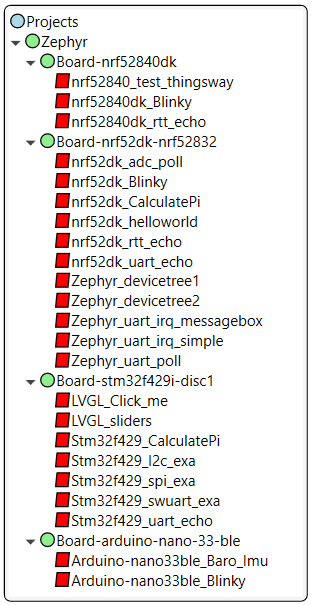
On the right, you can view sample projects presented on various boards.
Below, you’ll find an overview of all sample projects provided within the Zephyr package.
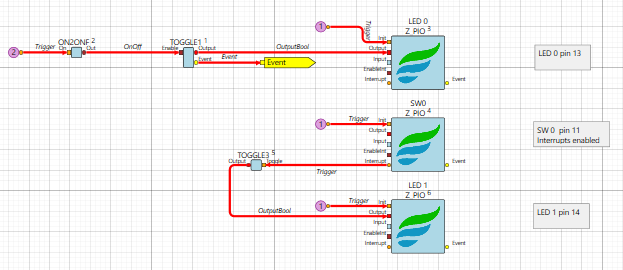
Project: nrf5280dk_Blinky
Board: nrf52840dk/nrf52840
Project: Stm32f429_spi_exa
Board: stm32f429i_disc1
Project: nrf52dk_helloworld
Board: nrf52dk/nrf52832
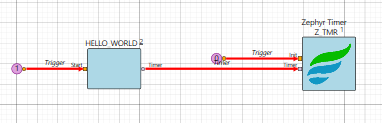
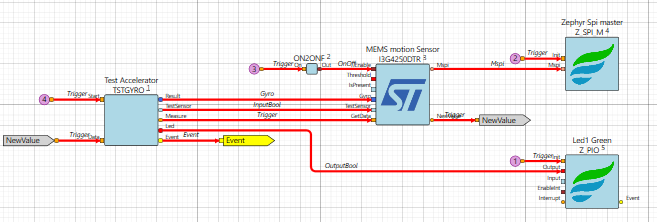
Project: Arduino-nano33ble_Baro_Imu
Board: arduino_nano_33_ble

Commercial License for Zephyr targets
Getting Started with Atomic Designer V5
- Download
Download the files using the provided link. - Unzip and Install
Extract both the installer and the project tree. Then install the Atomic Designer development tool along with external tools like Visual Studio. For detailed steps, check the installation guide. - Restart and Connect
After restarting your computer, the .AD5 file extension will automatically link to Atomic Designer V5. -
Launch and Explore
Double-click the AtomicDesignerV5 file to open your project environment and experience the power of Atomic Designer V5 in action. - And Go!
Start experimenting with the included sample projects and enjoy!